
Computer MCQs with Answers for CSS, PPSC & NTS
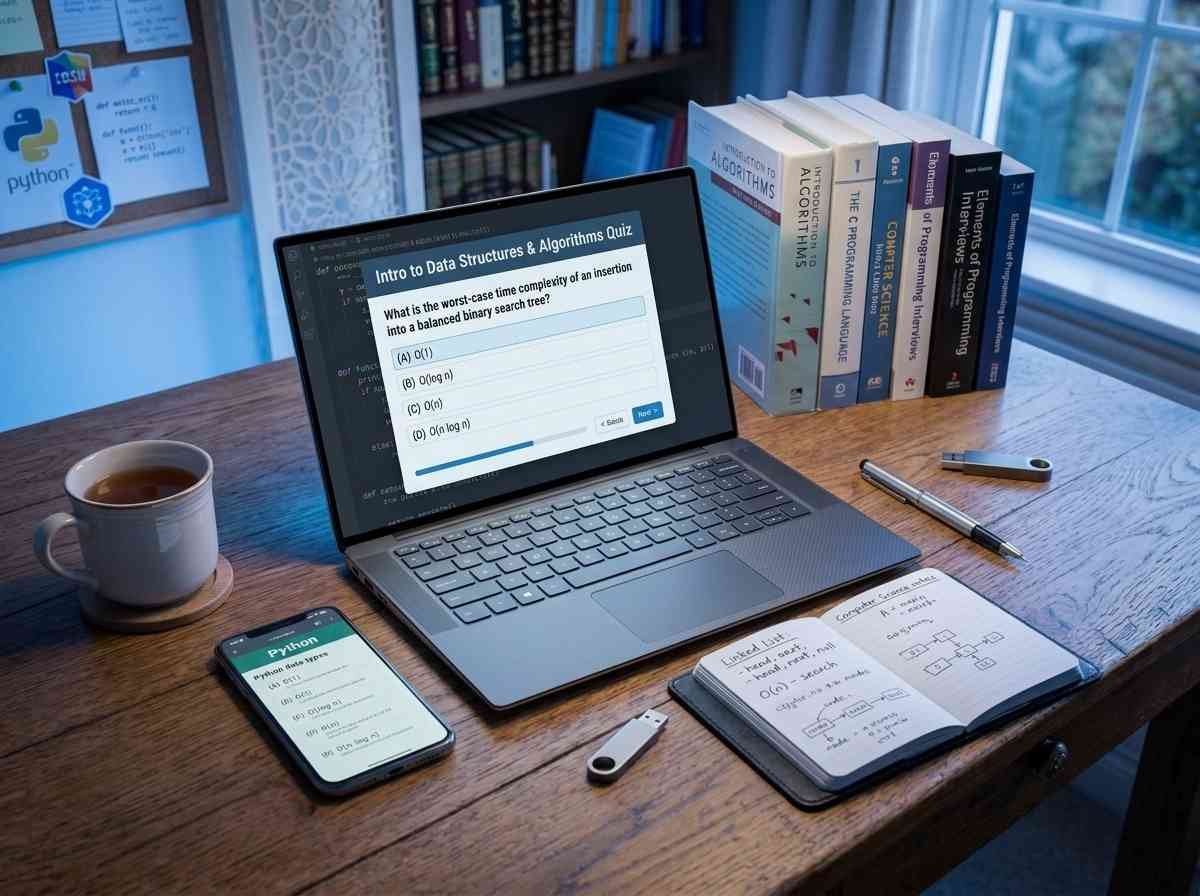
Computer knowledge is now a tested requirement in almost every government recruitment exam in Pakistan. PPSC, FPSC, NTS, and even the CSS competitive exam include objective Computer questions, because government jobs increasingly demand basic digital literacy. This guide covers the key topics, how questions are framed, and how to prepare efficiently.
Why Computer MCQs appear in every modern exam
Public-sector jobs now involve computers at every level, from data entry to administration to communication. Examiners reflect that reality by including Computer questions in recruitment tests. The good news is that the topics tested are almost entirely at the basic level: understanding common software, hardware components, networking fundamentals, and internet concepts. Deep programming knowledge is not required in most tests.
Core topics to focus on
- Hardware: input and output devices, the CPU, memory types, and storage.
- Software: operating systems, types of software, and common applications.
- MS Office: Word, Excel, and PowerPoint basics, including keyboard shortcuts and file formats.
- Networking: types of networks, protocols, IP addresses, and the difference between LAN, WAN, and the internet.
- Internet and email: browsers, search engines, URLs, and basic email concepts.
- Computer history: generations of computers, notable inventors, and key milestones.
MS Office and networking questions appear most frequently across PPSC and FPSC papers. Build a strong base in these two areas first.
How the questions are framed
Computer MCQs in these exams are almost always direct and definitional. A typical question asks what RAM stands for, which key opens the Find dialog in Word, or which device converts digital signals to analog. Application-level questions, such as identifying the correct Excel formula for a task, also appear in some papers. Reading each question carefully pays off, because distractor options often look very similar.
Practice beats theory alone
Reading a computer textbook gives you context, but it is testing yourself that locks information into memory. Our interactive MCQ test series has a dedicated Computer section where you can attempt questions, check answers instantly, and work your way from easier concepts to harder networking and programming basics. Timed sessions also train the speed you need in the real exam.
Build a focused study plan
Divide Computer study into themes across the week: hardware on one day, software and MS Office the next, then networking, then the internet. Attempt a short quiz at the end of each session and keep a list of questions you missed. Return to that list every few days. This spaced approach embeds concepts far more reliably than one long cramming session.
Also make use of actual shortcuts and features while working on a computer day-to-day. Familiarity through use beats memorization from a list, especially for MS Office keyboard shortcuts.
Use past papers to find the patterns
Past Computer questions from PPSC and FPSC show clear patterns. Certain topics, such as generations of computers, storage units, and networking acronyms, appear year after year. Working through previous papers reveals these patterns quickly and helps you prioritize your remaining revision time. Full papers are available in our past papers hub.
How many questions to expect
In most recruitment tests, Computer questions form a block of ten to twenty marks. Because the questions are factual, a well-prepared candidate can clear them quickly and bank easy marks. This frees up time for the reasoning sections of the paper that require more thought. Speed and accuracy in Computer questions can genuinely change your final score.
Frequently asked questions
Do I need programming knowledge?
Not for most PPSC, FPSC, and NTS tests. These focus on basic hardware, software, and MS Office knowledge. Programming questions appear in specialist IT posts, not general recruitment tests.
Which MS Office topics are most tested?
Keyboard shortcuts, file formats, and basic functions in Word, Excel, and PowerPoint are the most common. Learn the standard shortcuts thoroughly and know the difference between common file types.
Where can I practice for free?
Our Computer test is completely free, mobile-friendly, and gives instant feedback. Pair it with our General Knowledge MCQs guide for broad compulsory coverage.
Start your Computer preparation today
Computer knowledge is one of the most straightforward sections to prepare for, because the topics are well-defined and the questions follow predictable patterns. Open the Computer test now, attempt your first set, and use your results to guide your revision. With steady daily practice, this section becomes one of the easiest marks to secure on any recruitment paper.
<h2>Connect Computer knowledge to your other subjects</h2>
<p>Computer preparation does not exist in isolation. Practicing spreadsheet functions ties naturally into the quantitative reasoning you are building for <a href="https://thecssbooks.com/maths-mcqs-with-answers/">Maths MCQs</a>, and understanding network security adds context to current-affairs questions about digital threats. Use the <a href="https://thecssbooks.com/quiz/">Computer test</a> alongside the other sections in our practice series so your preparation forms a connected whole rather than isolated silos.</p>
<h2>Time management in the Computer section</h2>
<p>Because Computer questions are factual and direct, a well-prepared candidate should clear them quickly. Aim to spend no more than forty seconds per question so you bank easy marks efficiently and leave more time for reasoning-heavy portions of your paper. Regular timed practice with our <a href="https://thecssbooks.com/quiz/">MCQ test series</a> builds this pace automatically. Pair your Computer study with our <a href="https://thecssbooks.com/general-knowledge-mcqs-with-answers/">General Knowledge MCQs</a> guide and <a href="https://thecssbooks.com/english-mcqs-with-answers/">English MCQs</a> guide to cover the full compulsory core in an efficient daily rotation.</p>
